Sample database
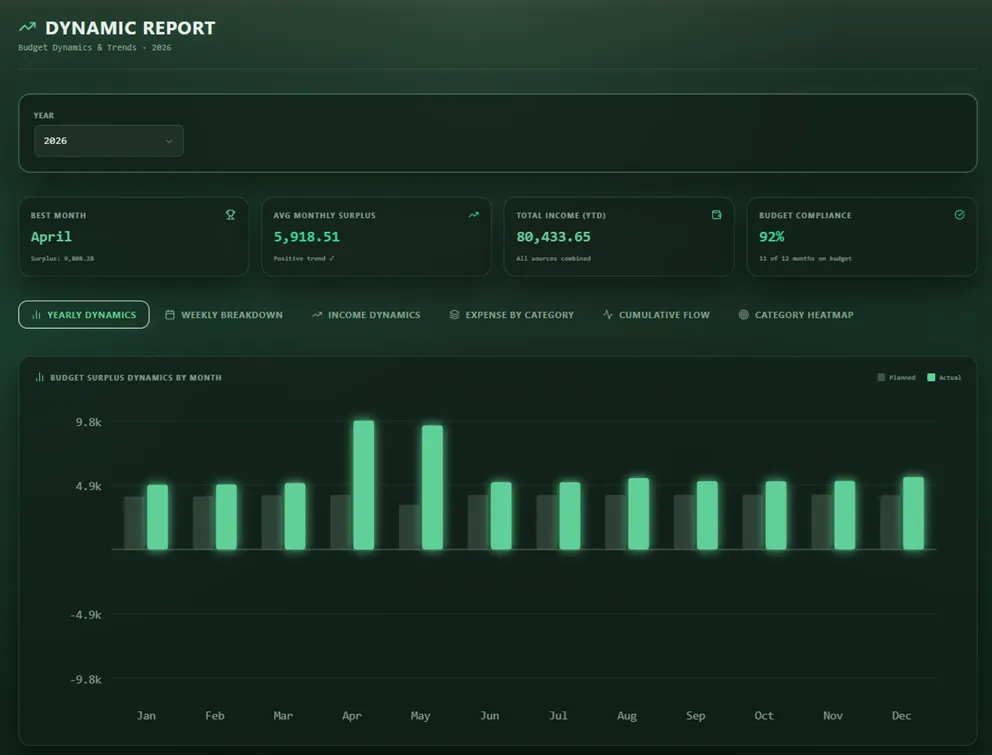
Use prepared example records to understand the dashboard, budgets, reports, and account structure without entering private financial data.
Early Access Download
Explore Bayron Harbor during Early Access with a sample database or your own financial structure.
Bayron Harbor is a Windows-first desktop app for private, deliberate money management. The trial runs locally on your computer for 30 days and does not require a form before download. If it fits, request a free Early Access personal key by email.
Direct download
Download the 30-day Windows trial as a ZIP archive. No account, payment, or email is required before download.
Early Access key
After evaluating the trial, use direct email to request a free personal key. No website form is required for Early Access key requests.
To request a key, email support@makbayron.com with a short note about what made you interested in Bayron Harbor.
Email for Free KeyKeys are personal and valid for all Version 1 updates. The Pricing page explains the future-version boundary.
First run
You do not need to connect a bank account or create a cloud account to evaluate the workflow. The trial is designed so you can learn the product before deciding whether to use it with your own records.
Use prepared example records to understand the dashboard, budgets, reports, and account structure without entering private financial data.
Build your own records from the beginning if you already know how you want to organize accounts, categories, currencies, and budgets.
Requirements
Bayron Harbor is built specifically as a native Windows desktop application. Ensure your computer meets the basic requirements below before downloading the trial.
Early Access
Download the Windows desktop trial directly, explore the sample database, and email support if the local workflow fits.
30 days trialNo download formEarly Access key by direct email